
Jim Wells County Court Docket Searches
A Jim Wells County court docket search starts with the county's official clerk pages. Those pages point to iDocket as the index for District Clerk and County Clerk cases. Your first move is simple. Decide whether the case sits in the district row or the county row. A cause number beats a name every time, since names repeat and spellings drift. Without one, gather a few things first. Collect the party name, a rough filing date, the case type, and the court before you start.
An index hit is a doorway, not the whole file. Jim Wells County splits the work. The District Clerk keeps records for the 79th Judicial District Court. It also keeps civil matters filed under the County Court at Law's concurrent rules. The County Clerk handles county and probate routes. Justice and municipal citations live in separate precinct or city systems, so plan accordingly.
- Identify the court shown on the notice or citation.
- Select the matching Jim Wells District or County row.
- Search the full cause number, then try name and date fields.
- Read events and settings separately from the final result.
- Ask the responsible clerk for an official or certified copy.
Jim Wells iDocket Has Two Rows
iDocket's coverage table breaks Jim Wells into two sources. Those sources are Jim Wells District and Jim Wells County. The District row offers document images. The County row does not. Coverage can shift over time. The County Clerk's own link to iDocket makes that the named county route. Even so, a vendor index never substitutes for either clerk's official file.
The split matters most when a docket search comes back empty. A felony or district civil file may live only in the District row. Probate and county-level files may sit in the County row. A city ticket may show up in neither. Run the same name against the wrong source. That can leave the false impression that no case exists at all.
Before searching, note the county-linked iDocket sign-in page. It presents an account gate that some users will meet.
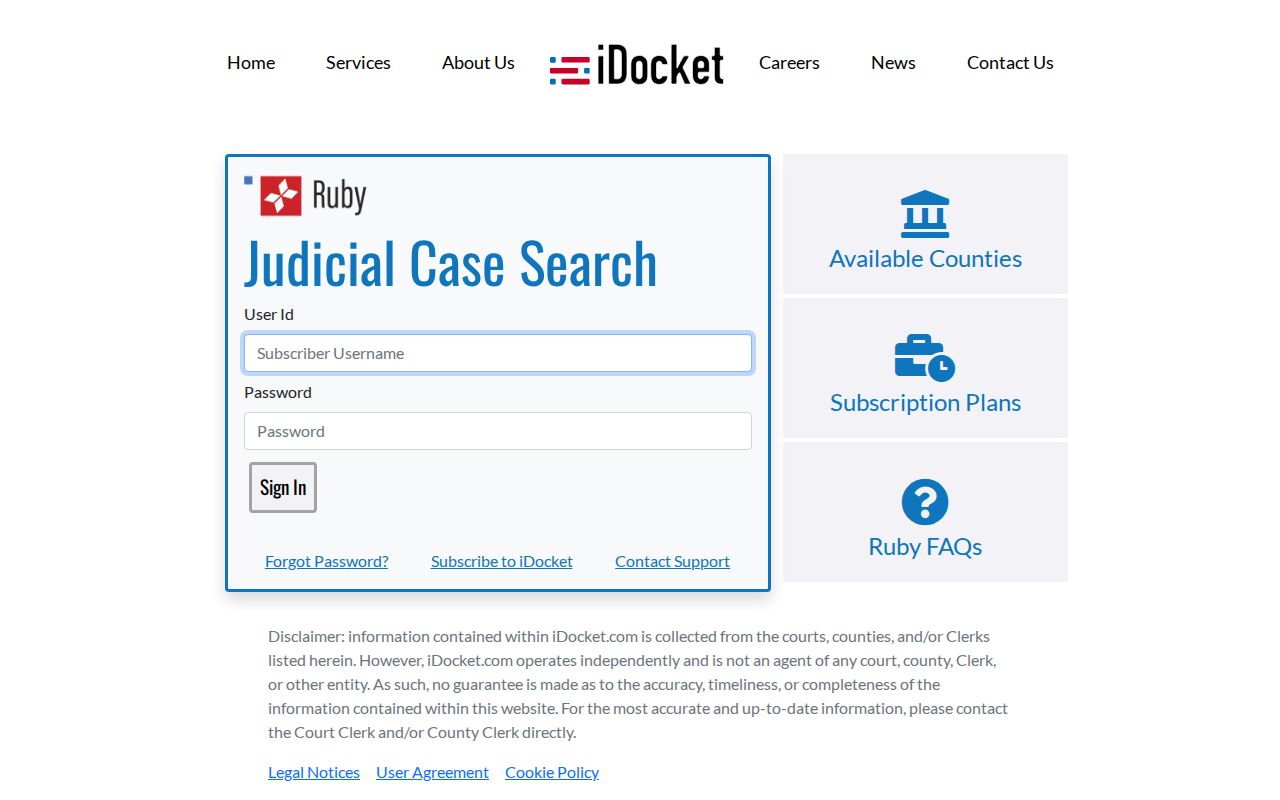
That sign-in screen shows exactly why the clerk stays essential. When an account wall or a stubborn search field blocks a case lookup, the clerk's office remains the reliable fallback for court records.
| Source | Observed scope | Best fallback |
|---|---|---|
| District row | Criminal and civil index; images marked yes | District Clerk |
| County row | Criminal, civil, and probate index; images marked no | County Clerk |
| JP or city | Citations and lower-court matters | Citation's named court |
Court Dockets: What They Show
A Jim Wells County court docket is a running record of a case. It names the court, the cause number, the filing date, the parties, the lawyers, scheduled events, and the entries added as things move. The county's sample criminal and civil calendars add more. Their fields include setting type, time, allotted time, case age, appearance, and disposition.
Keep the fields straight, because they answer different questions. Date filed marks when the case began. Setting date marks when one event is planned. A disposition entry reports what happened at an event or in the case. But a short code is not the same as a certified judgment.
| Cause number | The court's main file key; use the full suffix and punctuation. |
|---|---|
| Case style | The caption used to identify the parties. |
| Setting | An event type, date, time, and allotted time. |
| Appearance | A status such as no show, late, or incarcerated on the sample. |
| Disposition | An event result such as reset, plea, or dismissal notation. |
| Filing | A document or action placed in the case history. |
Jim Wells Docket Codes Need Context
The official criminal sample uses compact labels. Examples include M-Dismiss, WOA filed, Reset date, PTD/DPTD, Plea, NISI, and Capias Out. These are work labels on a court calendar. They never carry the full legal story alone. Read any code beside its court, its setting, the event date, and the entries that follow.
Some pairings trip people up. A reset is not a dismissal. A plea notation is not always the signed judgment. NISI generally signals a conditional forfeiture step, while a capias notation concerns court process. When the meaning affects an active case, ask the clerk for the underlying order or confirm the current status.
- Setting
- A scheduled court event, not always a trial.
- Reset
- A moved setting that leaves the case pending unless another entry says otherwise.
- Docket call
- A session used to review case readiness or scheduling.
- Certified copy
- A clerk-authenticated copy, distinct from an online screen.
Jim Wells County Courts and Their Dockets
Jim Wells County has no single all-court docket. The 79th Judicial District Court hears felony, district civil, family, and jury matters. The County Court at Law takes misdemeanor, family, probate, and civil work within its assigned jurisdiction. Local rules send concurrent civil filings to the District Clerk, which upends any assumption based on the court's name alone.
Below the county courts, Justice Courts in Precincts 1, 3, 4, 5, and 6 handle Class C, traffic, small-claims, eviction, and other matters within legal limits. Alice, San Diego, Premont, and Orange Grove each run municipal routes. Federal cases from the county land in the Southern District of Texas, Corpus Christi Division.
| Court | Typical docket | Record route |
|---|---|---|
| 79th District Court | Felony, district civil, family, jury | District Clerk and District iDocket row |
| County Court at Law | Misdemeanor and assigned civil, family, probate | Clerk depends on record; confirm court assignment |
| Justice Court | Traffic, Class C, small claims, eviction | Named precinct clerk or portal |
| Municipal Court | City ordinance and municipal citations | City court clerk |
Jim Wells Civil Filing Split
The County Court at Law rules place civil cases within concurrent jurisdiction with the District Clerk. That covers specified family matters. It also covers civil disputes over $500 and no more than $250,000, and workers' compensation appeals. A case can be heard by the County Court at Law. Yet its filing and copy path runs through the District Clerk.
Probate and county-index work still goes to the County Clerk. Small claims and evictions may belong to a Justice Court instead. Give the court name, cause number, and document type in every request. Saying only "civil record" can send your search to the wrong office.
Court Dates and Settings in Jim Wells County
The District Judge publishes annual calendars plus separate jury-trial and docket-call dates. The County Court at Law calendar divides civil and criminal non-jury, docket-call, and jury work. These plans narrow a search. They do not prove one case remains set on a published date.
Match the calendar against the case docket and the latest notice. A reset, a continuance, or a court order can move the date. The full Jim Wells County court schedule explains the setting fields and the clerk-confirmation path. Anyone with a pending case should confirm the hearing date with the court rather than trust an old PDF or a saved result.
Jim Wells Setting Requests Are Detailed
Start with the form. The district setting request wants two proposed dates. It also wants the hearing type, how long it should run, every lawyer plus any self-represented party, and proof the request went out to the other side. Nothing is automatic after that. The judge and the court manager still set the calendar for Jim Wells County. So treat your requested dates as preferences, not bookings.
County Court at Law adds its own rules for remote non-jury matters. Exhibits go in as searchable PDFs, and redactions come first. Delivery must be timely, and the court expects advance notice when an unrepresented party lacks the right equipment. An in-person hearing can still be ordered. Anyone may watch a livestream of a hearing, but recording the stream is barred.
Docket Access Under Texas Law
Texas law splits court case records from the administrative records of the judiciary. The Texas Public Information Act, Government Code Chapter 552, does not convert every court file into a routine agency-record request. Judicial administrative records run through Rule 12 instead. That process leaves out records tied to a court's adjudicative work.
Need a pleading, order, judgment, or docket sheet? Go straight to the clerk holding the case. Expect limits from sealing orders, juvenile confidentiality, family-law privacy, expunction, nondisclosure, or redaction rules. And a missing online image alone does not mean the whole file is sealed.
Key Texas sources: Texas Judiciary open-records policy explains Rule 12 and case-record boundaries. Government Code Chapter 552 states the Public Information Act. Clerk rules and court orders still govern access to the case file itself.
Jim Wells County Copy Choices
Name the product first. A docket sheet is a chronological index of a case. A filed document may be one motion, order, judgment, citation, or return. A complete file is broader still. A plain copy differs from a certified copy, and a transcript comes from the court reporter, not a normal clerk copy order.
Costs differ by office. The 2026 District Clerk schedule lists a $5 search, $1 per page for copies, and $5 certification. The January 2025 County Clerk schedule lists a $10 search, $1 per regular copy page, and $5 for certified copies. Those figures apply to different offices and transactions. Confirm the current total before sending payment.
| Request | Start with | Include |
|---|---|---|
| District docket or filing | District Clerk | Court, cause number, filing date, copy type |
| Probate or county file | County Clerk | Record class, case name, date range |
| Transcript | Court reporter or court | Hearing date, court, cause number |
How the Clerk Keeps Docket Records
R. David Guerrero, District Clerk, is the operational contact for District Court records and the civil and family work routed through that office. The official District Clerk page says document searches and requests are handled electronically through eFileTexas and copies can be sent by email. Call when the cause number is unknown.
J.C. Perez III, County Clerk, maintains county and probate routes and links the county iDocket index. Both offices share the courthouse address but use different suites, mailing addresses, hours, and record duties. Send a request to the office that owns the file.
The official District Clerk page displays the district record and e-filing routes.
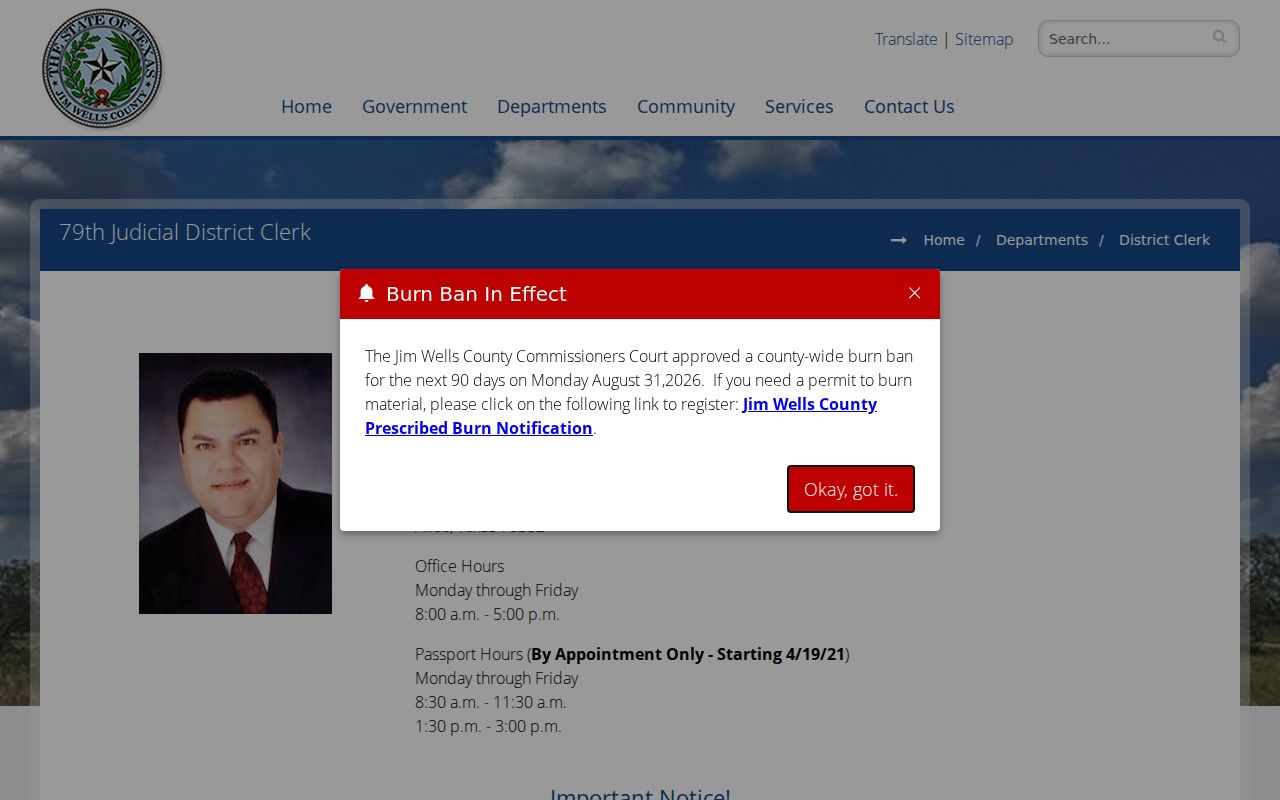
The official District Clerk page keeps its contact block separate so a district request does not land with the County Clerk. Compare it with the official County Clerk page, which lays out the county and probate index route.
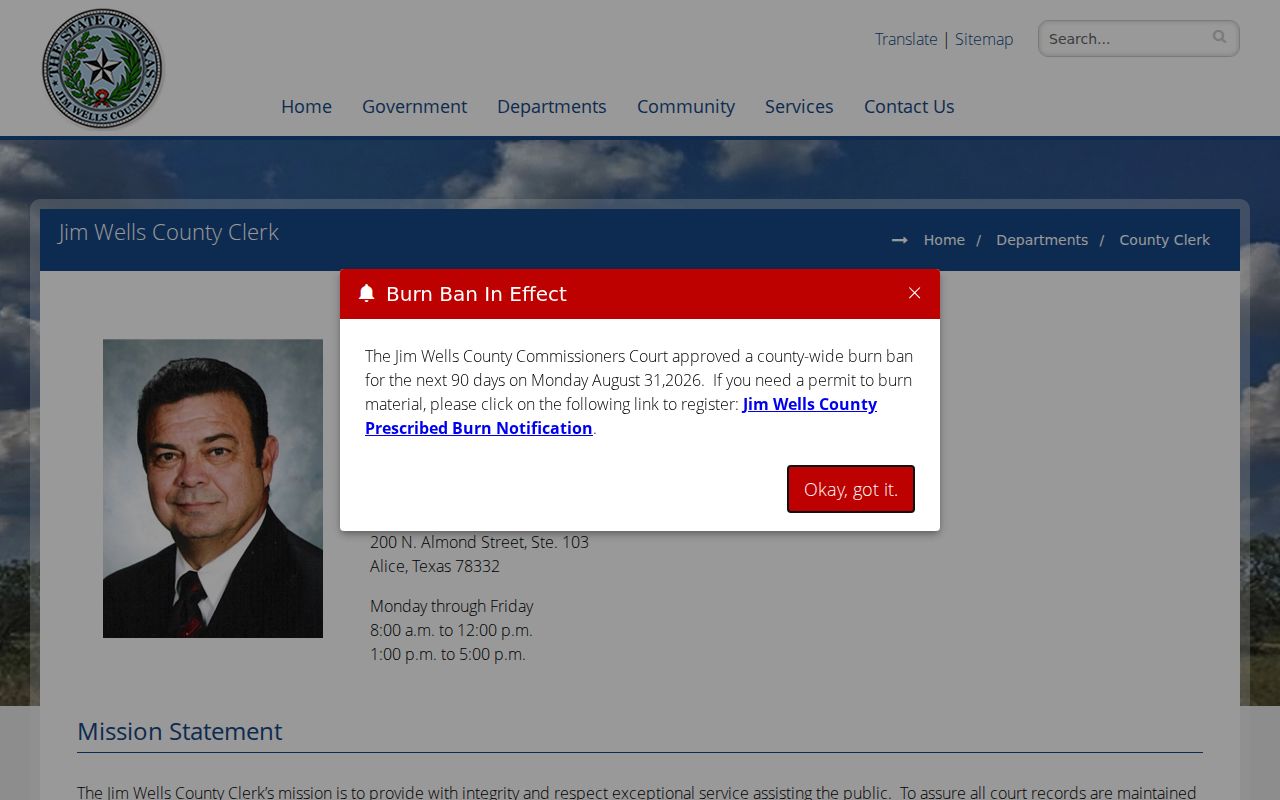
Read the two official pages together. A shared courthouse address does not make these offices interchangeable.
Jim Wells County District Clerk
200 N. Almond Street, Suite 207
Alice, TX 78332
361-668-5717, option 6
Monday through Friday, 8:00 a.m. to 5:00 p.m.
Jim Wells County Clerk
200 N. Almond Street, Suite 103
Alice, TX 78332
361-668-5702
Monday through Friday, 8:00 a.m. to noon and 1:00 to 5:00 p.m.
Jim Wells Filing Is Not Searching
eFileTexas is the filing system linked by the District Clerk. It is used to submit documents and, according to the local clerk page, to route electronic document requests. It should not be confused with an anonymous public docket index. A filing receipt also does not prove that a judge has ruled or that a docket entry is final.
re:SearchTX is a statewide case-search project and may serve as a fallback. The research did not verify a live Jim Wells public result there, so the county-linked iDocket route remains the practical starting point. Check the clerk when statewide and county results differ.
The official county website is also the safest place to confirm new hours, staff, forms, and calendar links. Old saved PDFs can remain online after an office move or rule update.
The county's main navigation page is the current doorway to those departments.
Use its department links rather than old saved pages. That habit keeps you inside the county's current navigation.
Jim Wells Index Scale
The iDocket table lists 54,486 total District records. Those split between 9,295 criminal and 45,187 civil entries. The County row shows 7,145 total records. It includes 5,804 criminal, 385 civil, and 956 probate entries. Those are vendor index counts, not a tally of open cases.
Older records live across paper books, later electronic indexes, and document images with uneven coverage. Index size says nothing about crime, outcomes, or current workload. It does explain one thing. An exact cause number, court, and date range save time when you request a legacy file.
City-by-City Court Dockets in Jim Wells County
Where a case belongs depends on the citation or cause number, never the city name on the paperwork. Alice is the seat of county government. It runs a municipal court of its own. San Diego routes its municipal filings through nCourt. Premont offers a municipal clerk plus the Precinct 4 Justice Court. Orange Grove works the same way. It pairs a municipal court contact with the Precinct 5 route.
Each city card uses 2020 Census population counts. Those numbers only rank the four incorporated cities. On the city pages, municipal matters sit apart from Justice Court cases. They also sit apart from county filings handled in Alice.
Ben Bolt is a county community, but the official ranking counts only the four incorporated cities. That is why it has no card here. A Ben Bolt resident still has court options. The citation, the precinct, or the case heading tells you which door to use. So confirm the listing in the current county directory before driving over or mailing a request to the Jim Wells County clerk.
Alice Court Records
17,891 residents. County-seat, municipal, and JP1 routes are distinct.
San Diego Court Records
3,748 residents. Start with the court printed on the citation.
Premont Court Records
2,455 residents. Separate the municipal clerk from JP4.
Orange Grove Court Records
1,165 residents. Municipal and JP5 records use different contacts.
Map and Directions to the Jim Wells County Courthouse
79th Judicial District Court felony, civil, and family files are kept by the District Clerk in Suite 207 of the Jim Wells County Courthouse, 200 N. Almond Street, in downtown Alice. The same building holds the County Clerk in Suite 103, the District Court/County Court at Law in Suite B-111, the County Judge in Suite 101, and the County Attorney in Suite 202, so a visitor should confirm the suite for the specific court before arriving.
Jim Wells County District Clerk
200 N. Almond Street, Suite 207
Alice, TX 78332
361-668-5717, option 6
Monday through Friday, 8:00 a.m. to 5:00 p.m.
Jim Wells County Clerk
200 N. Almond Street, Suite 103
Alice, TX 78332
361-668-5702
Monday through Friday, 8:00 a.m. to noon and 1:00 to 5:00 p.m.
Official sources do not confirm a parking map, public entrance, security-screening procedure, or public terminal for the courthouse, so calling the suite you need before a trip is the safest plan. The District Clerk's Monday-to-5 hours differ from the County Clerk's split noon closure, and neither office promises same-day copies.